

Demo Path
eProfile runs Epson evaluations for graphic-arts buyers, comparing output, media behaviour and fit for use.
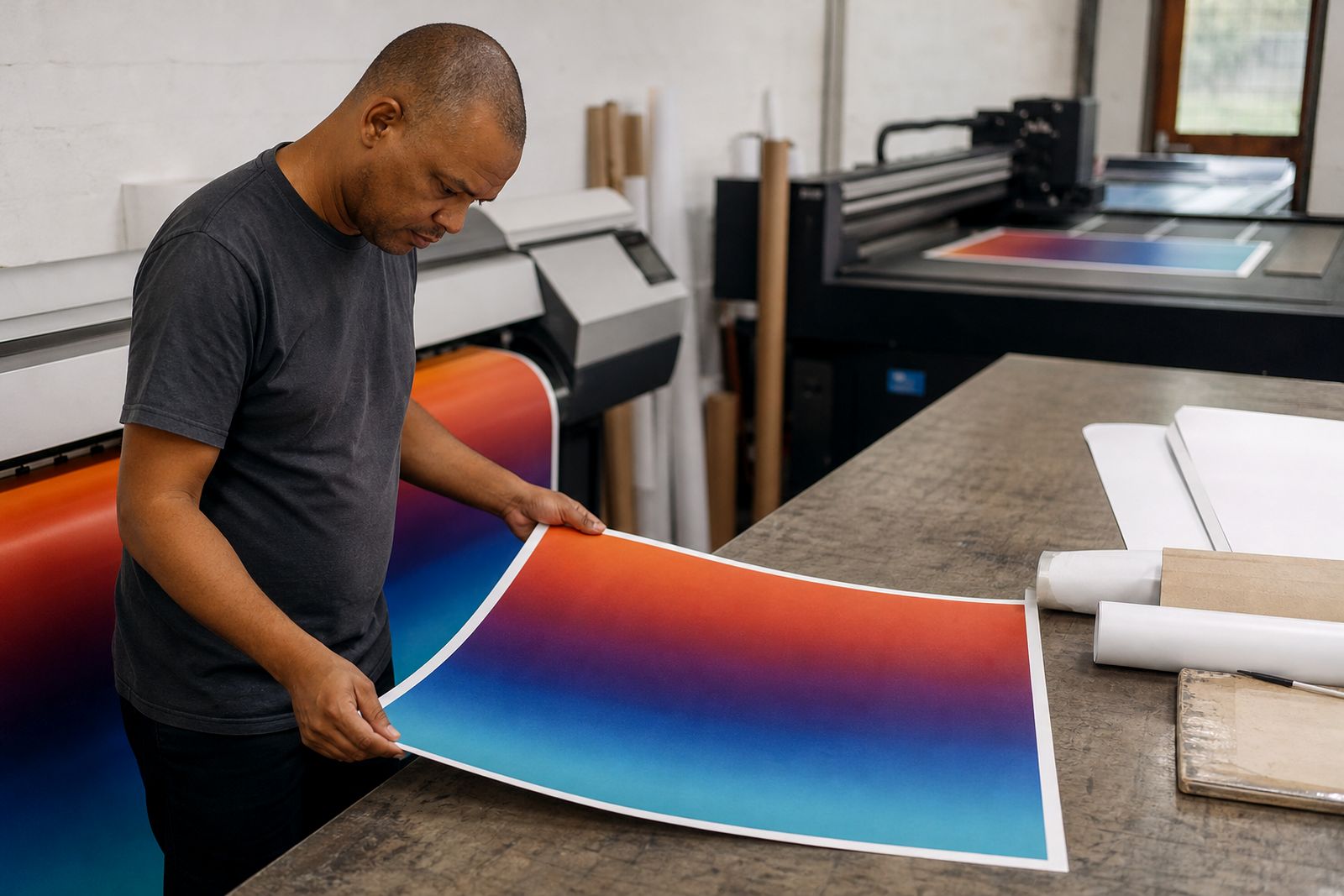
Epson demo sequence on site
Here is how eProfile structures a floor-based Epson evaluation for graphic-arts buyers. It helps compare output, media behaviour and routine fit on the Gauteng and Cape Town demo floors before any purchasing decision is made.
It starts with the buyer's own file set, chosen media, and the Epson unit being compared. Gauteng dust, Cape Town moisture, and power-cut planning are noted at the start because they affect nozzle checks, drying, and handling during a live evaluation.
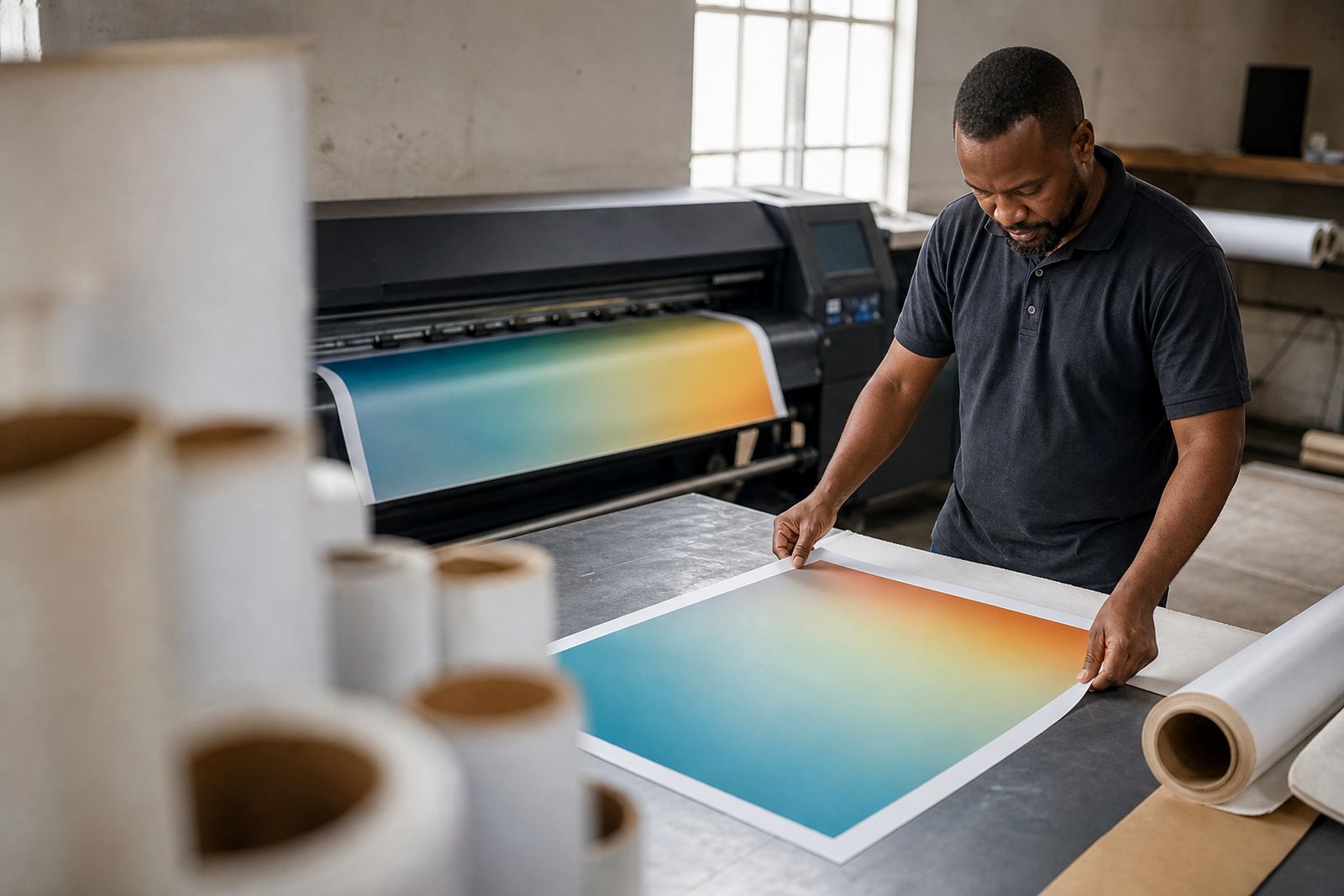
Photographs of the demo setup help record platen condition, roll loading, and viewing distance for sample review. The team also logs print mode, resolution, pass count, and media profile so later comparisons are based on the same settings rather than memory.
Demo records
The outcome is a usable test record tied to the Epson model, media tested, and image set shown on the day. It normally includes sample notes, operating settings, and points where handling or colour fit the buyer's production requirements in Johannesburg or Cape Town.
Match the relevant routine note to the current studio requirement before widening the comparison. Check media width, file type, and finishing needs before sending a query through the contact form, and name the present Epson model.
- Buyer files checked on selected media
- Print settings logged for later comparison
- Demo notes sent by email
Checks for South African conditions
Planning for a demo includes traffic between sites, courier timing for media, and booked access to the Gauteng or Cape Town demo area. Where an Epson printer is still producing saleable work, the review separates an active fault from the broader routine assessment so the session stays focused.
Near the coast, moisture in the air can change how certain media feeds and dries during an Epson demo. On the Highveld, dust build-up affects covers, sensors and routine cleaning checks, while power cuts shape when nozzle tests, sample prints and comparisons are scheduled. The session is there to watch hardware behaviour, media handling and routine steps under South African conditions.
Information needed before arrival
Send site photos, the Epson models under review, timing and what the team needs to test. Keep the subject line specific.
Send the demo brief close to the booking date so files, media requests, and machine availability line up with the planned review. Useful detail includes the Epson models to compare, expected viewing distance, substrate type, finishing method, and any colour reference the buyer will bring.
What our Epson Graphic Arts customers say
Verified Google reviews
Also worth a look
Tell us what you print and where it hurts
Send a note through our contact form with the media you print, the printer you run or are considering and where the workflow slows down, and we will come back with practical options and a quote.
Open the contact form