

Mall demo guidance
Mall demo guidance covers footprint, power, sample choice and visitor movement for public Epson demonstrations in retail spaces.
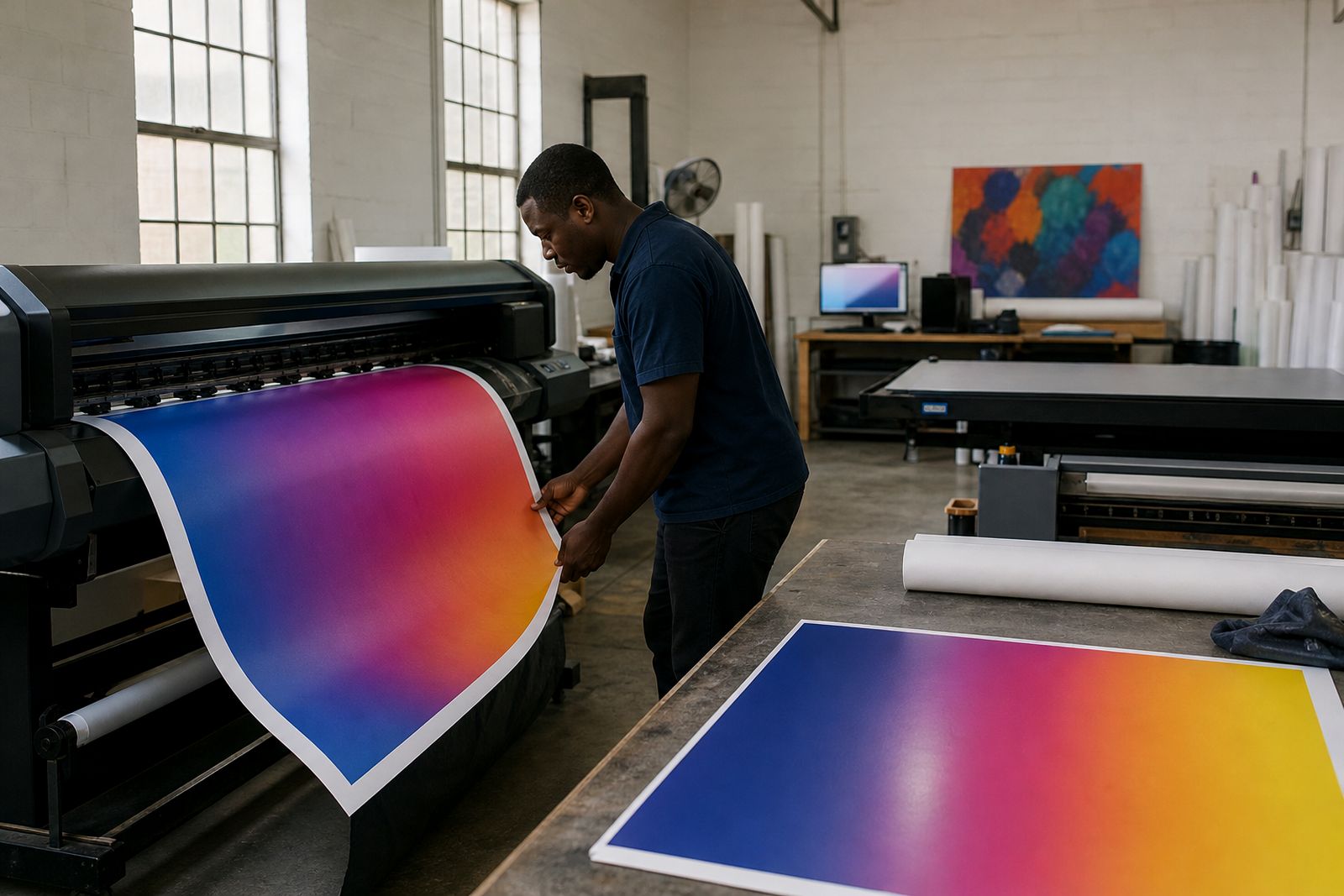
Shopping-centre demo essentials
A practical note on mall demo, with advice on footprint, power, sample selection and visitor flow for public Epson showcases.
Retail demo days can go sideways for ordinary reasons: the power point is too far from the stand, the viewing distance is wrong, or the sample set ignores the shopper mix. Mall demo guidance sets out the practical prep for Epson graphic-arts displays in live public spaces.
Mall demo prep starts with the centre rules, the stand position and the nearest power source. Public Epson displays in Gauteng and Cape Town need different planning from a studio session because traffic pauses, trolley movement and ambient light change how prints are viewed. For venue-specific details, send the mall name and stand layout through our contact form.
- Mall, date and trading hours listed
- Wide shot of the stand, printer and shopper approach route
- Power point, cable run and sample table marked clearly
- Presenter name shown as used on site badges
Read this note with the matching Epson hardware page and the related routine entry. The first helps with what to show in public, while the second covers file handling, media choice and operator checks behind the stand.
How mall demo planning changes for Epson graphic-arts foot traffic
Planning for a public Epson demo in a shopping-centre setting needs care. Footprint, power, sample mix and visitor flow all matter when eProfile is presenting graphic-arts hardware outside a normal demo floor.
A mall setup must begin with footprint, queue position and sight lines from the main passage. Cape Town centres often bring strong window light, while Gauteng venues can create dust and static around media handling. Those conditions affect sample choice, cleaning intervals and the way an Epson graphic-arts unit is presented outside a normal demo space.
Take a first photo once the printer, sample rack and visitor stopping point are in place. Keep a short stand card nearby with power draw, media width and the key prints being shown that day. It helps the team reset after a break without changing the order of the display.
What the stand pack should include
The useful outcome is a stand plan, a power check and a short record of which Epson model and samples were shown. Notes for a mall activation must stay tied to traffic behaviour, print visibility and handling limits. That gives the next public demo a clearer starting point than a loose set of impressions.
Use the related routine note and a studio note when the same hardware moves between public and controlled settings. Check the venue details, sample list and power access again before goods leave for site. Tell us the Epson model, the media and your monthly print volume, and the demo floor team will set up the right comparison.
Site conditions to check
Centre access times, loading bays and parking rules can shape the entire demo day. A morning install in Gauteng may need extra cable protection and dust control, while a Cape Town booking may need stronger attention to glare on glossy output. These details matter before any Epson print is switched on in a public area.
Coastal air can affect how often surfaces and sample sleeves need wiping. Inland venues often need closer checks on vents, sensor areas and exposed media edges after busy foot traffic. Load shedding plans also matter because a mall demo shows Epson hardware and print applications working in front of shoppers, not to fill time with general talk.
Stand notes for mall demos
A practical note on mall demo, with advice on footprint, power, sample selection and visitor flow for public Epson showcases.
Write the note on the same day as the activation so visitor numbers, sample reactions and any power issues stay linked to the correct event. Add a media list and a simple stand sketch when the buyer wants a record of what was shown in the shopping-centre setting.
What our Epson Graphic Arts customers say
Verified Google reviews
Also worth a look
Tell us what you print and where it hurts
Send a note through our contact form with the media you print, the printer you run or are considering and where the workflow slows down, and we will come back with practical options and a quote.
Open the contact form