

Coastal pack
Coastal pack deals with the humidity, storage and handling issues that usually appear after the first settled print week.
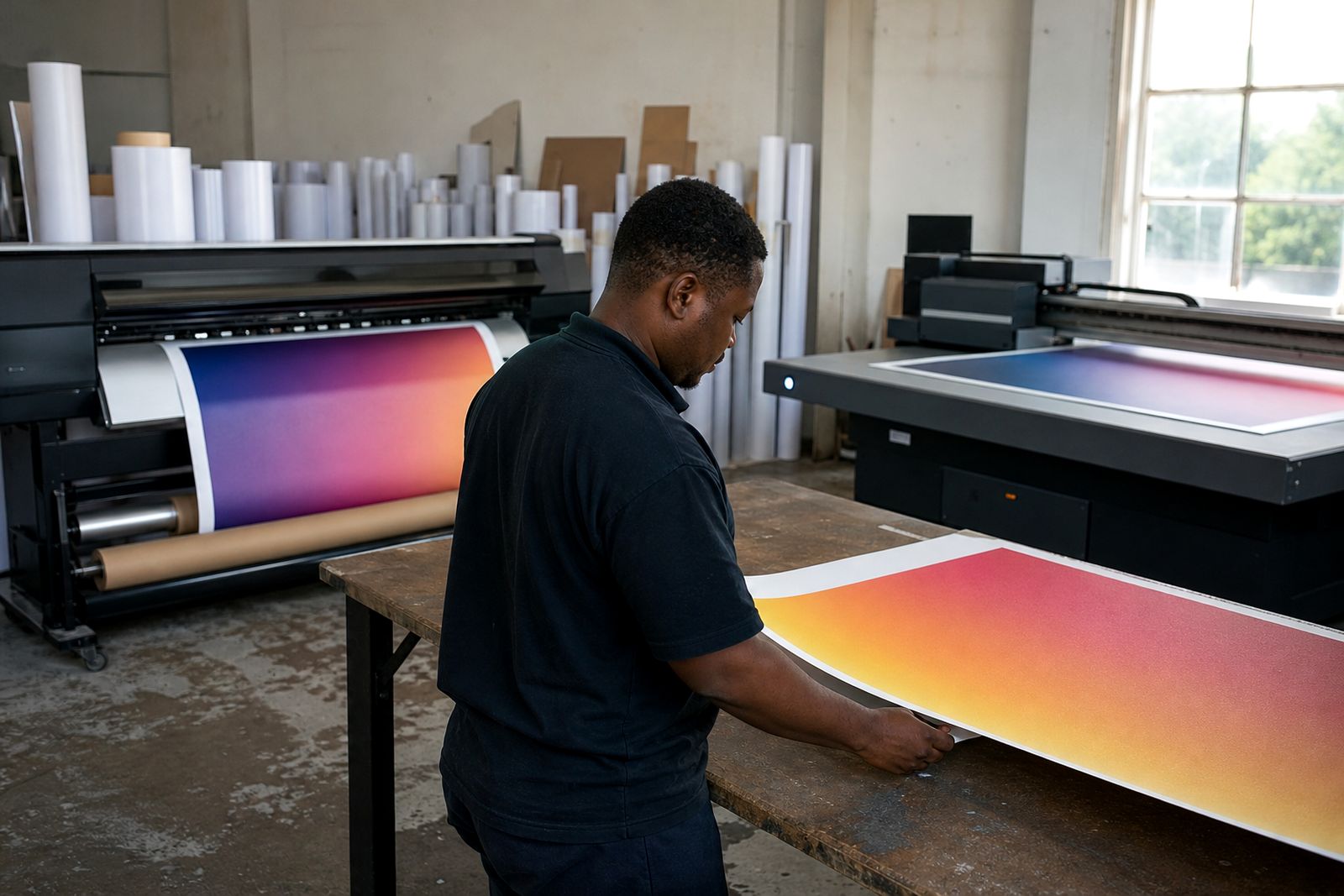
Coastal pack timing
Coastal pack addresses the storage and handling conditions that matter on coastal sites. The focus is humidity-related issues that can affect Epson media and print stability after the machine is installed.
Written for Epson installs near the Cape shoreline, where damp morning air, salt exposure and media storage can shift print behaviour after handover. It covers what to watch in the first operating period, including wrapped stock, acclimatisation time and handling habits that affect consistency on graphic-arts work.
Start the pack with photos of the printer position, media rack and the room where stock is kept. Those images help the team compare cutter area, loading space and window exposure when output changes between one run and the next. A short sheet kept beside the unit also records the media in use, the room condition and the last check completed.
Cape-side handover points
The checks that matter once the Epson unit has arrived, been loaded and started on local jobs include media storage, operator handover notes and print-room habits that can reduce moisture-related variation across the week.
Use the coastal pack alongside the relevant notes page when planning an Epson installation for a Western Cape site. Before dispatch or setup, compare the media type, room conditions and operator requirements against the current note. Tell us the Epson model, the media and your monthly print volume, and the demo team will set up the right comparison.
- Humidity checks for stored Epson media
- Printer position logged before first production run
- Handover record for operators on site
Western Cape operating conditions
Cape Town sites often need closer attention to wrapped rolls, overnight storage and the gap between delivery and first print. Sea air, cooler mornings and shared production rooms can all influence how media settles before profiling, proofing or longer runs begin.
The focus is routine checks after installation, such as where unopened media is stacked, whether cartons sit off the ground and how operators reseal part-used rolls. On Epson hardware, those handling details matter when a job moves from a demo sample into repeat production for posters, proofs or display work.
Notes to capture on site
Use the coastal pack for Western Cape sites that need Epson demo planning, delivery flow and handover notes tailored to local print teams.
Record the machine model, media loaded, room layout and any storage concerns while the discussion is still current. Where a buyer needs a working reference, pair the coastal pack with the relevant Epson demo summary and the job handling notes used by the print team.
Related pages

Coastal pack specs
Coastal pack covers the edge cases that show up after the first calm week.
Read more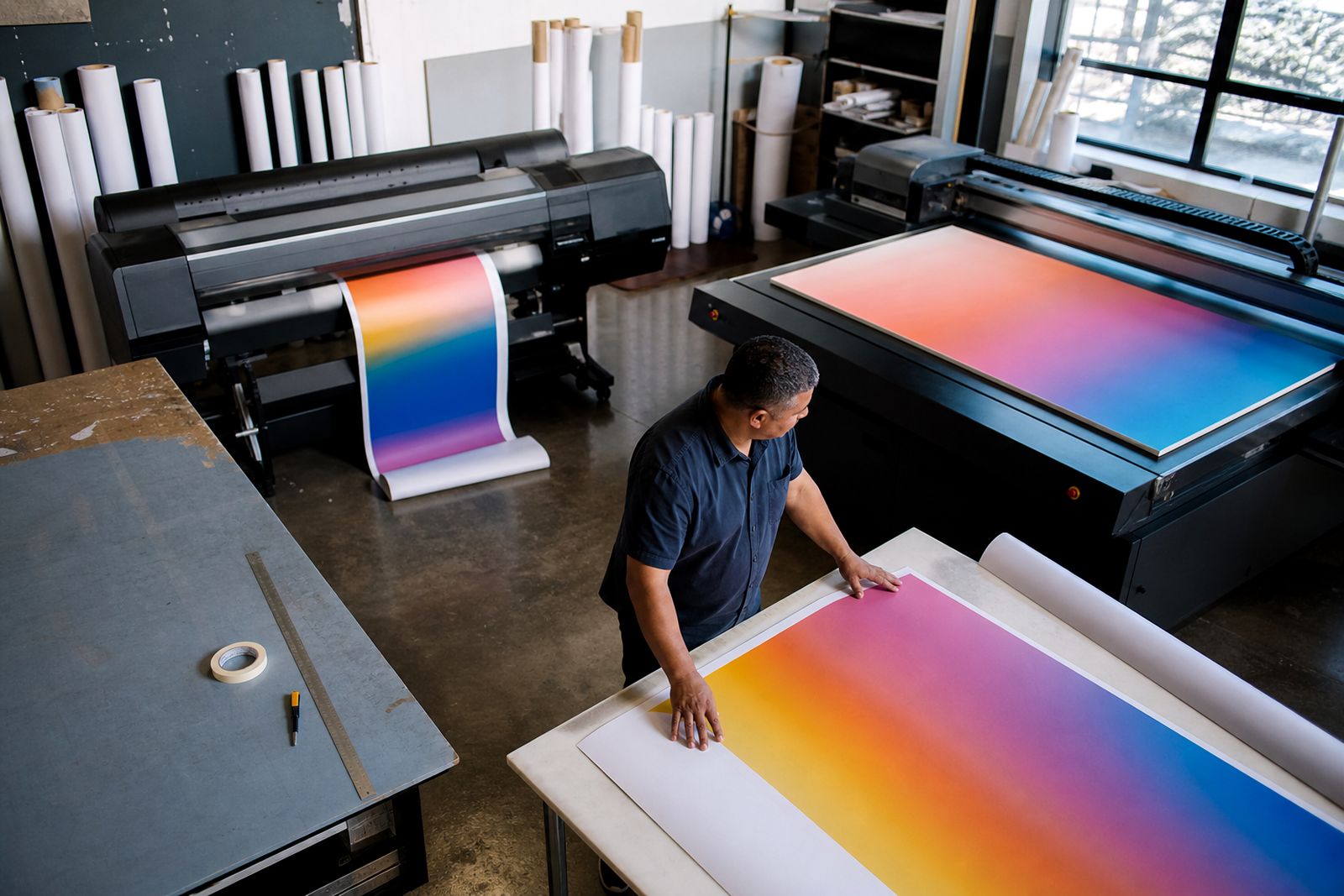
Demo day
See how eProfile runs a practical Epson demonstration, from the work shown to the preparation needed before printing begins.
Read more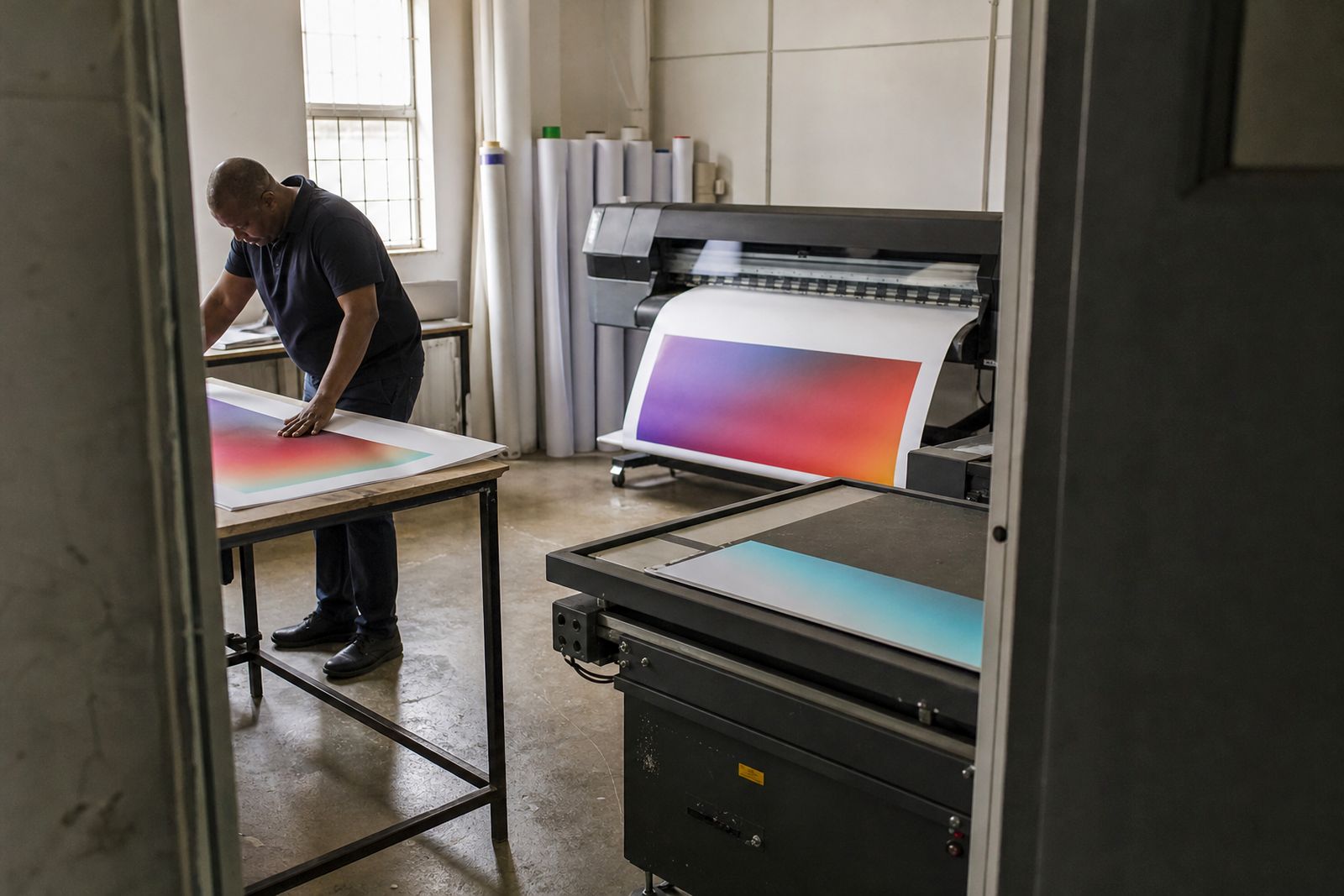
Export week
Export week deals with the packing, paperwork and dispatch snags that usually appear after the first settled print week.
Read moreWhat our Epson Graphic Arts customers say
Verified Google reviews
Tell us what you print and where it hurts
Send a note through our contact form with the media you print, the printer you run or are considering and where the workflow slows down, and we will come back with practical options and a quote.
Open the contact form