

Spec card
Key machine specs for Epson graphic-arts models, laid out for South African print rooms and demo-floor comparisons.
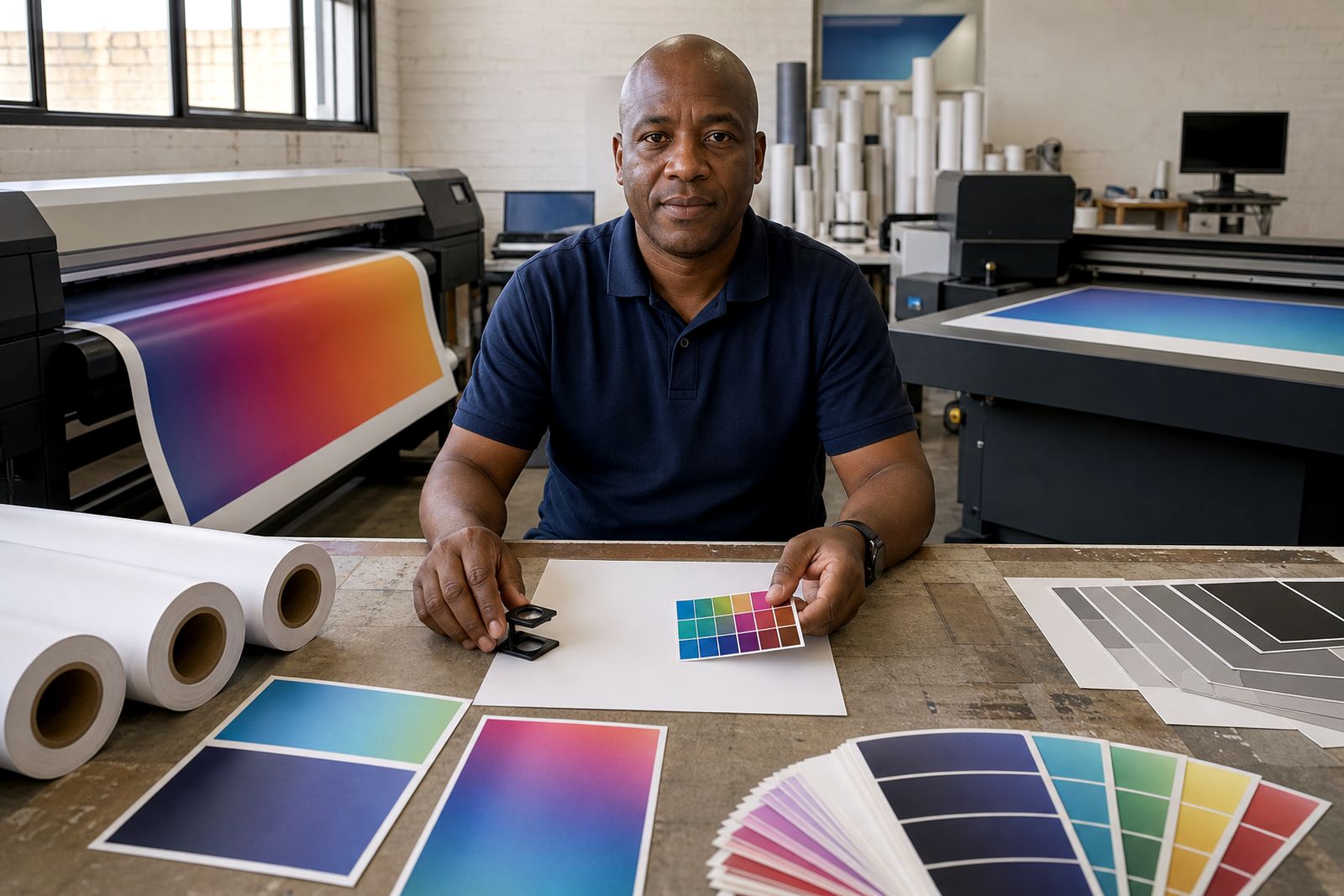
Comparing Epson models at a glance
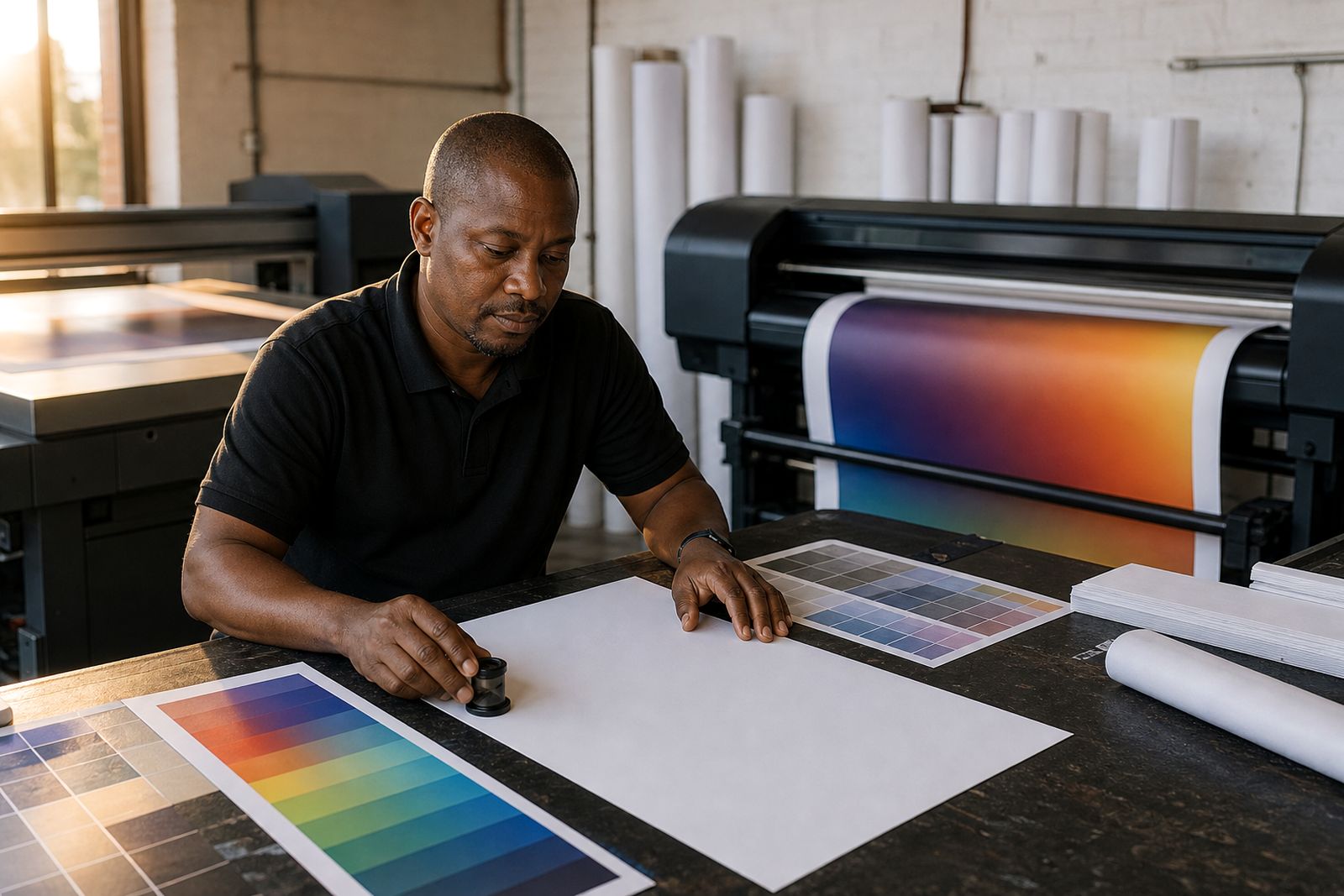
Spec card puts the key machine details for Epson graphic-arts models into one clear layout. It is useful for demo-floor comparisons and for checking whether a unit suits the available space and routine in the print room.
Spec card condenses the machine details buyers ask for first, including print width, ink set, media handling and installed footprint. It helps Gauteng and Cape Town teams compare Epson graphic-arts units against available space, power points and the way jobs move through the print room.
Keep the card next to the demo notes when measuring doorways, bench space and loading clearance. One sheet with the exact model name and core requirements makes it easier to check whether roll loading, take-up options and operator access will suit the site before quoting.
What the card helps you check
Use it to line up machine dimensions with room measurements and planned media widths before a demo is booked. It also gives sales staff and production managers one reference for Epson model identification, ink configuration and routine fit when different departments need the same facts.
Read it together with the related routines note when output requirements, RIP use or finishing steps need closer review. If you send questions through the contact form, include the Epson model and the intended media so the card can be matched to the correct setup.
- Print width and media range
- Machine footprint and operator clearance
- Ink set and routine requirements
Checks for South African print rooms
Older premises often have tight passages, uneven loading areas or limited room behind the printer, so footprint alone is not enough. Useful when checking access from delivery point to install position, especially where pallet movement and roll storage share the same space.
Cape Town humidity and inland dust can affect media storage and daily housekeeping around graphic-arts equipment. For that reason, the card is often used with site photos to confirm where media will stand, how operators will load rolls and whether routine maintenance access stays open during production.
Using spec card in demos
Use the spec card to summarise the Epson model, print width, ink configuration, media range, footprint and routine requirements for quoting or demo planning.
Bring the card into demo planning when the comparison involves more than one Epson model or more than one media type. It gives a simple record of what was reviewed on the day, which is useful for internal sign-off, install planning and matching the right unit to the buyer's print mix.
What our Epson Graphic Arts customers say
Verified Google reviews
Also worth a look
Tell us what you print and where it hurts
Send a note through our contact form with the media you print, the printer you run or are considering and where the workflow slows down, and we will come back with practical options and a quote.
Open the contact form